
The Reset button is available under the three-dot menu next to an employee's name in the payroll process screen. Its purpose is to remove all manual adjustments made to an employee's payroll and restore the payroll details to the original system-calculated values.
Steps to Use the Reset Function:
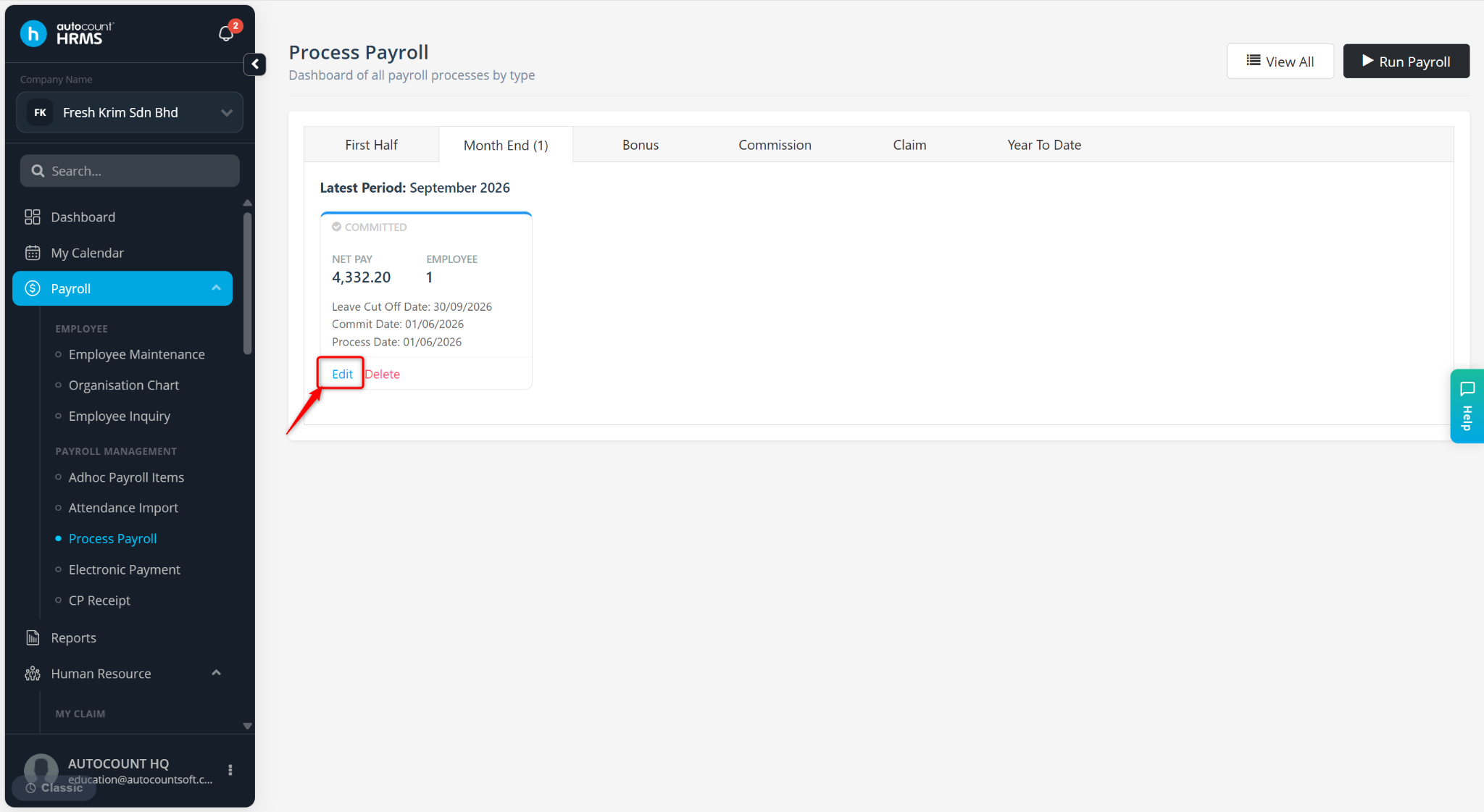
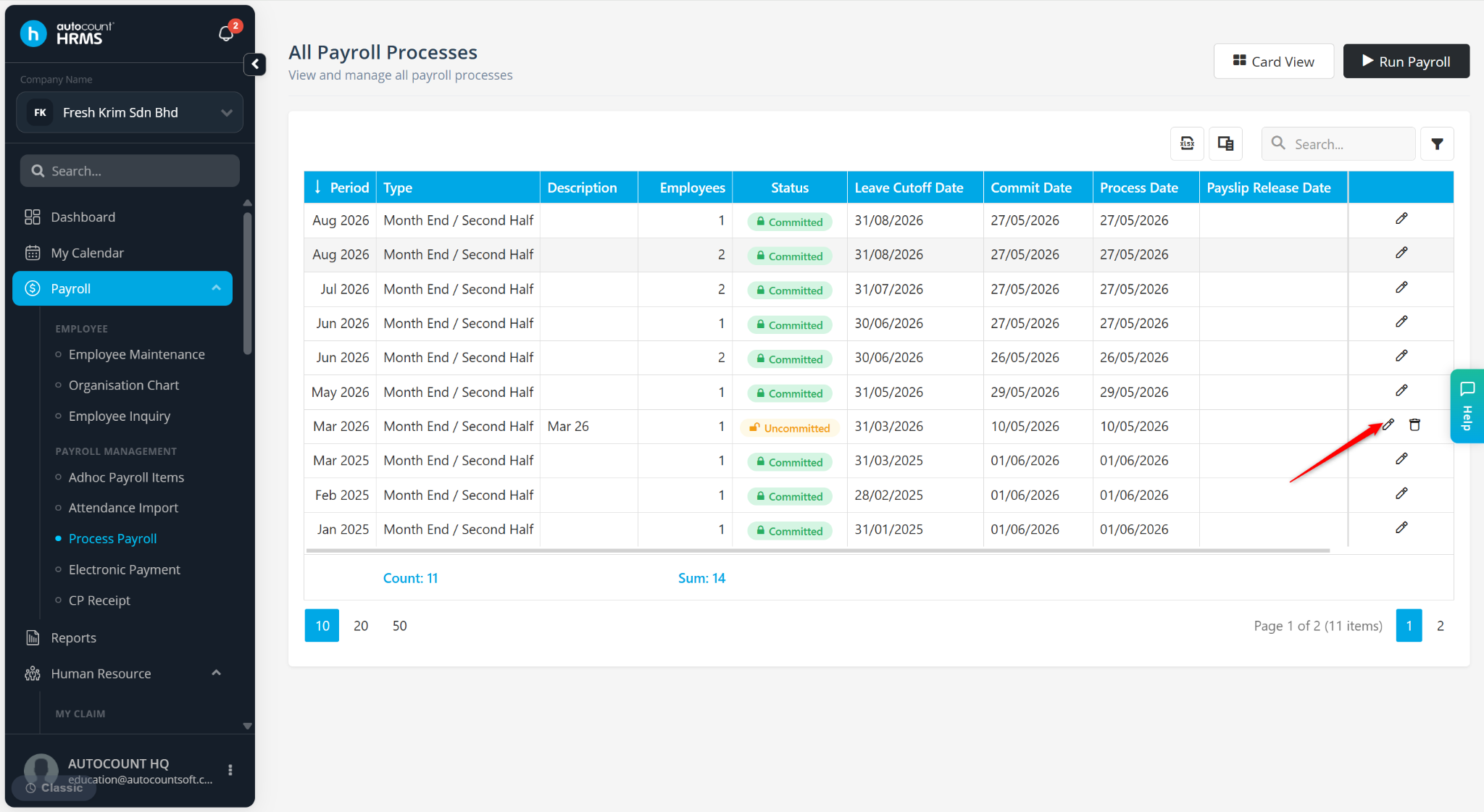
Locate the payroll period you wish to reset and click Edit or the pencil icon.
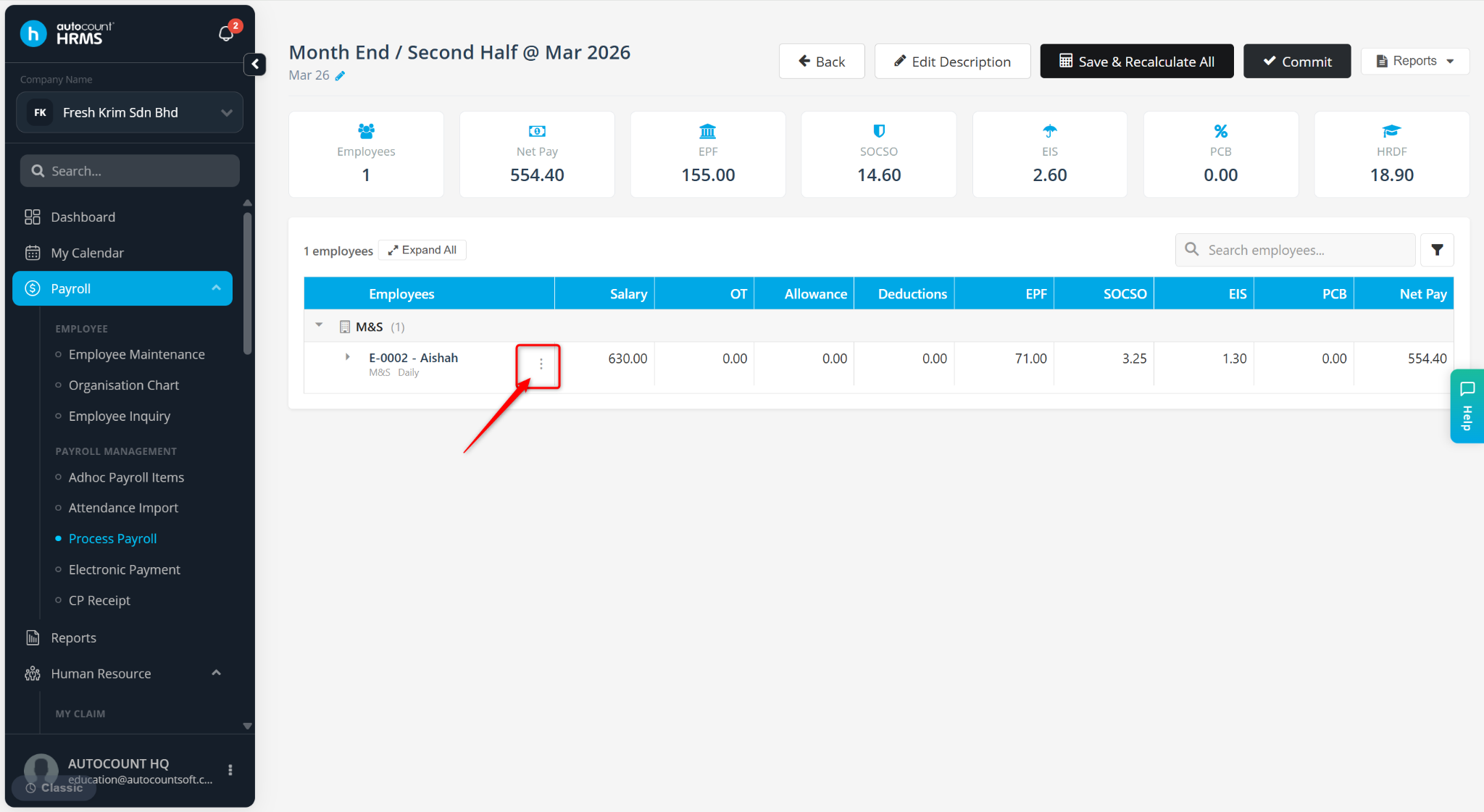
Click the three-dot icon next to the employee's name.
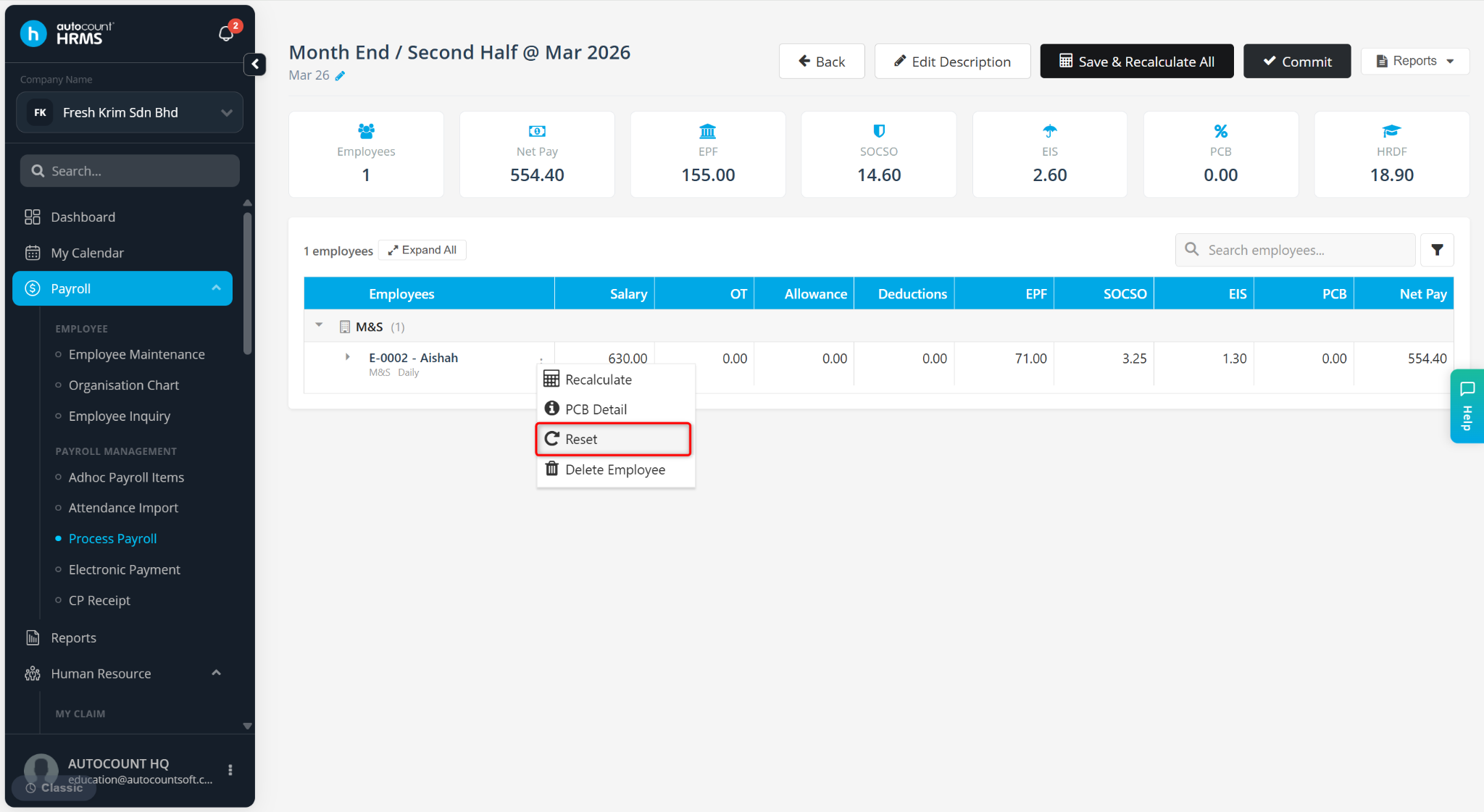
Select Reset.
Click Yes to confirm the reset.
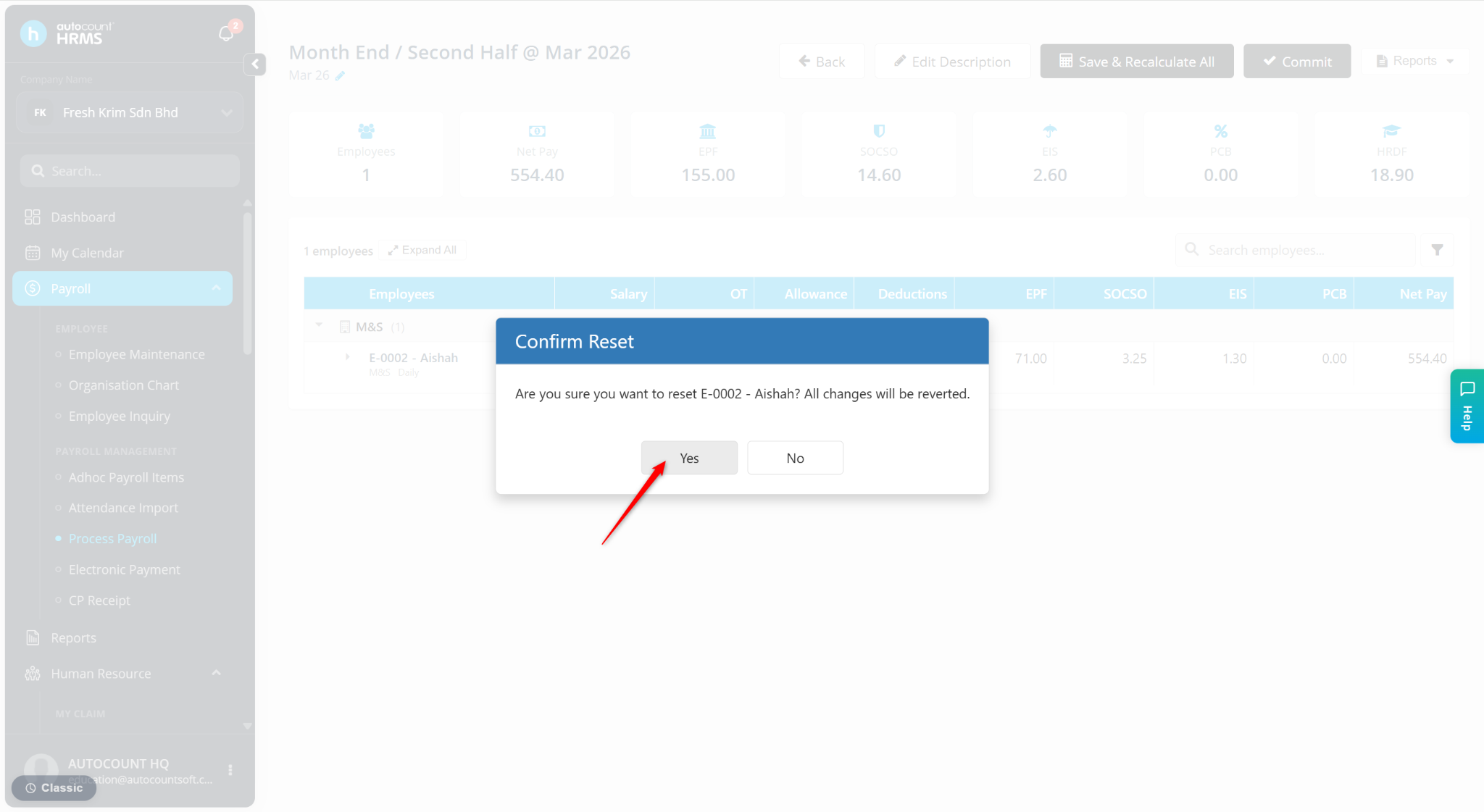
The employee's payroll will be reverted to its original state, removing any manual adjustments that were previously made.