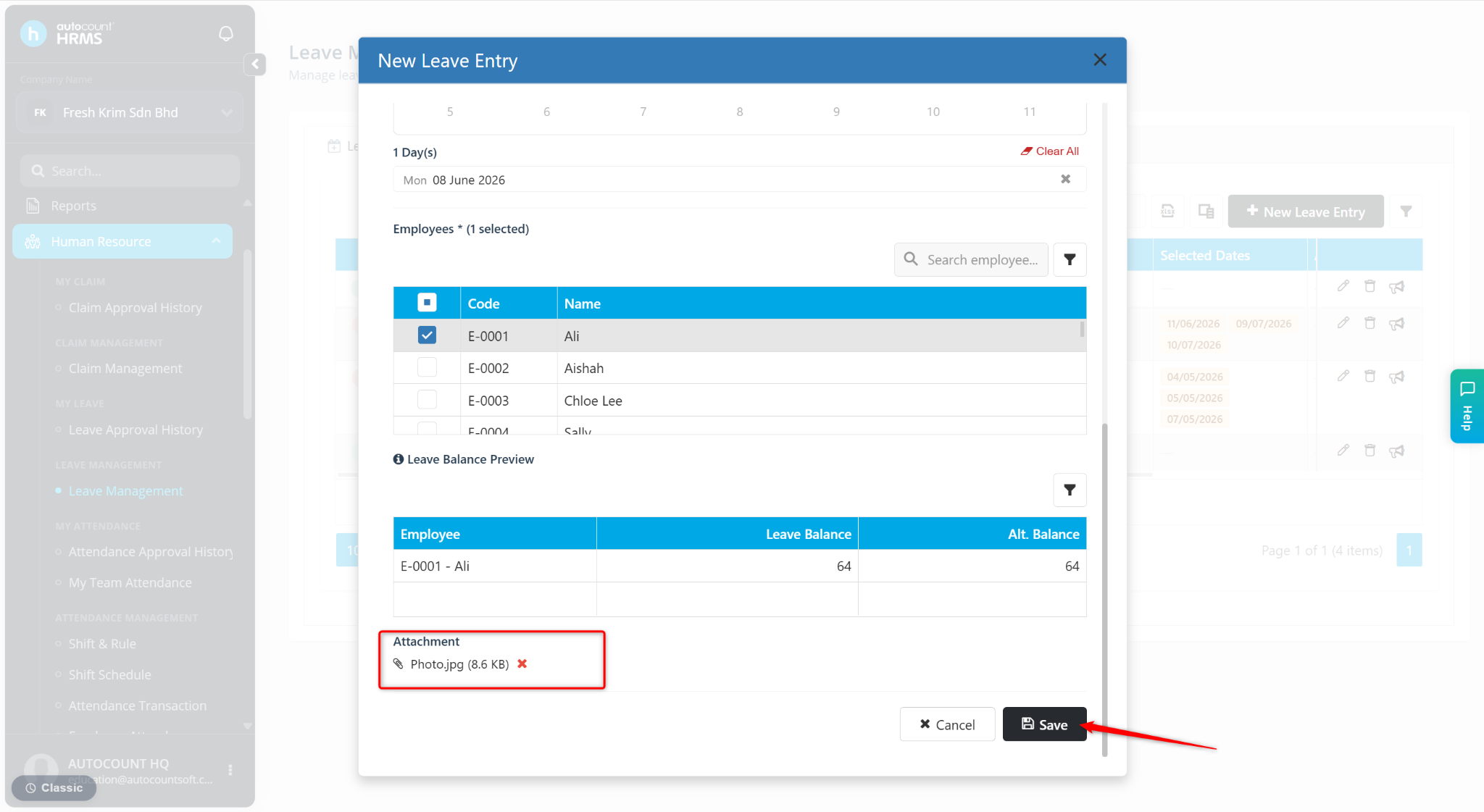
Users can attach supporting documents when creating a Deduct Leave entry in Leave Management for future reference and record-keeping.
Steps to Upload Attachment for Deduct Leave:
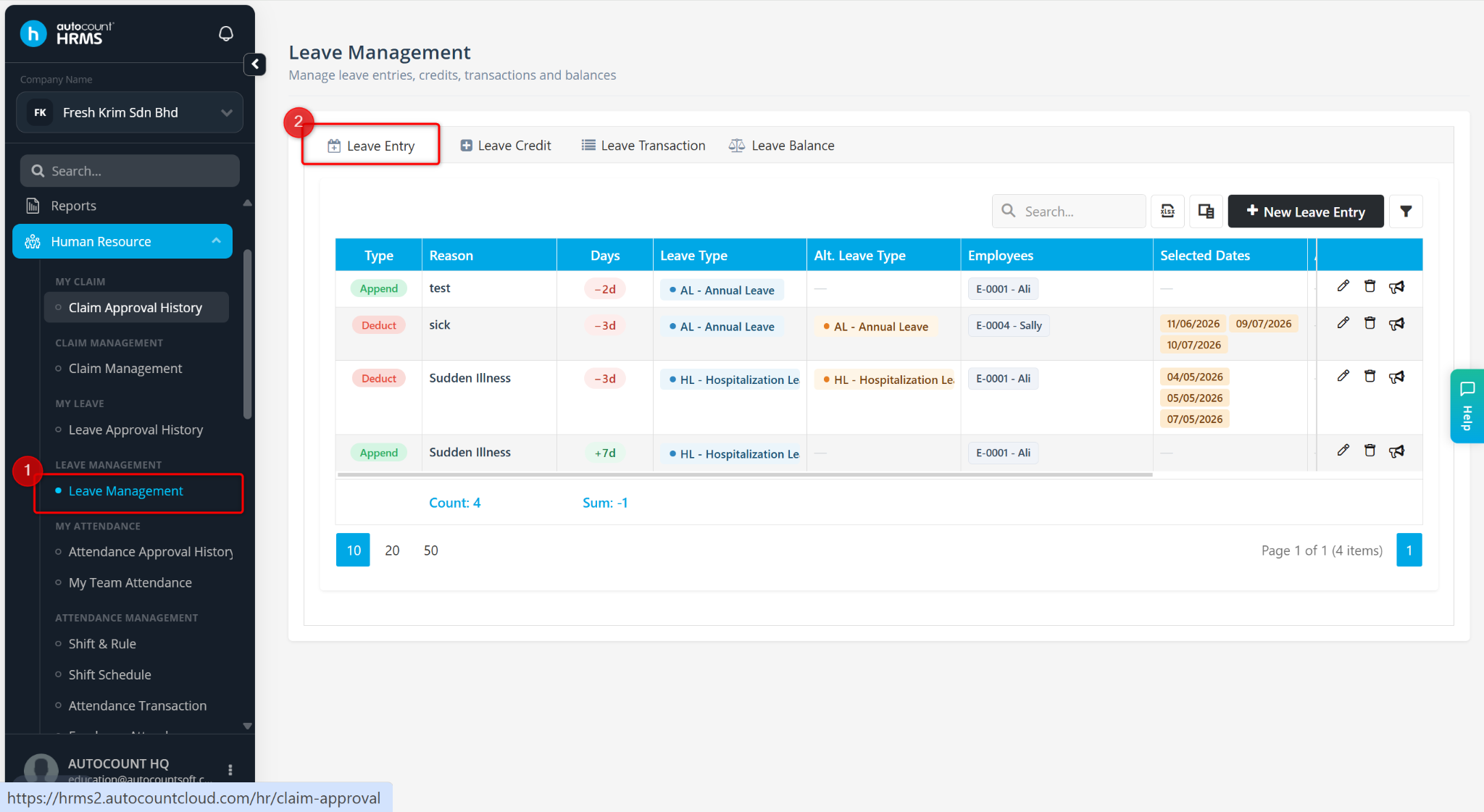
Go to Human Resources > Leave Management.
Go to Leave Entry.
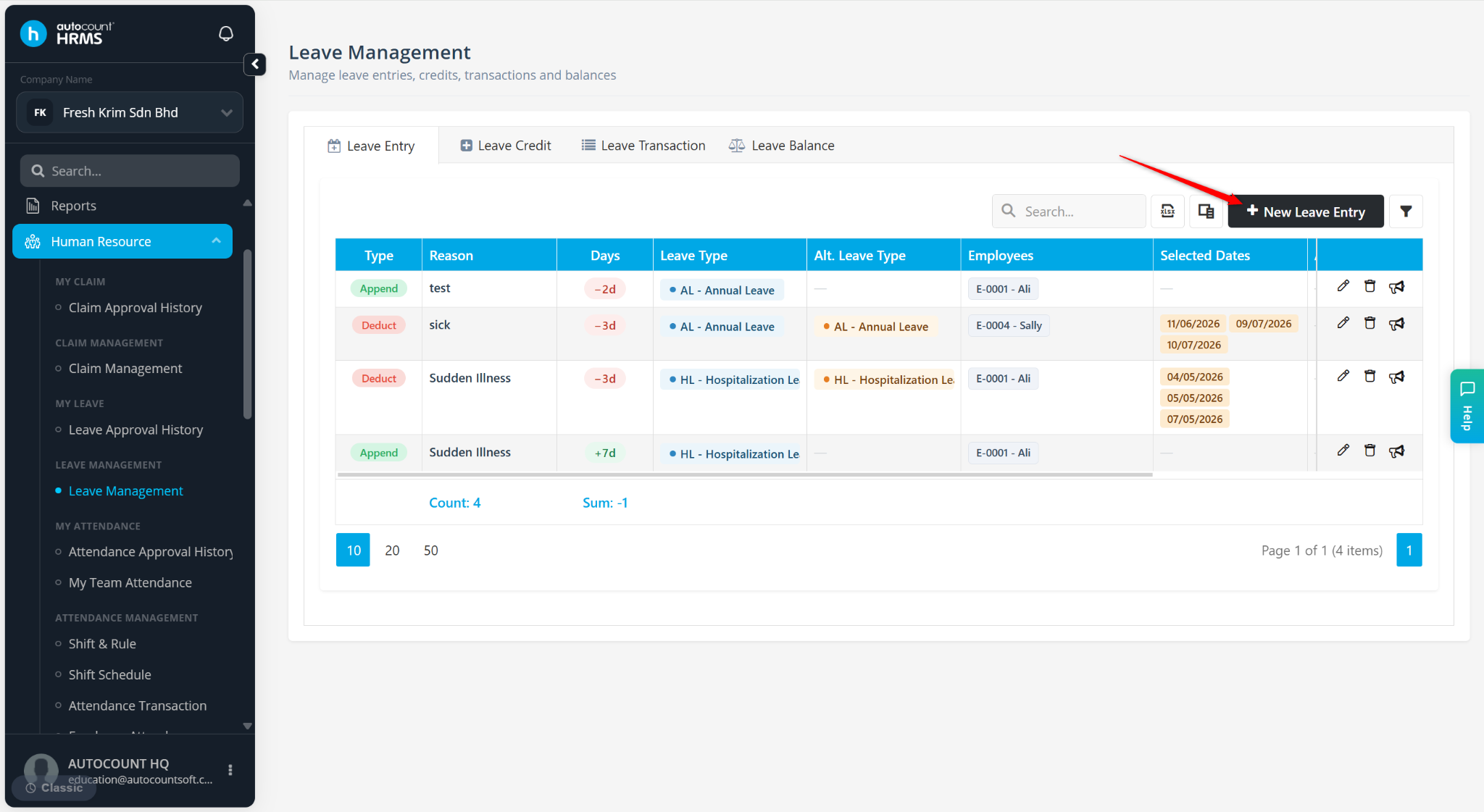
Click + New Leave Entry.
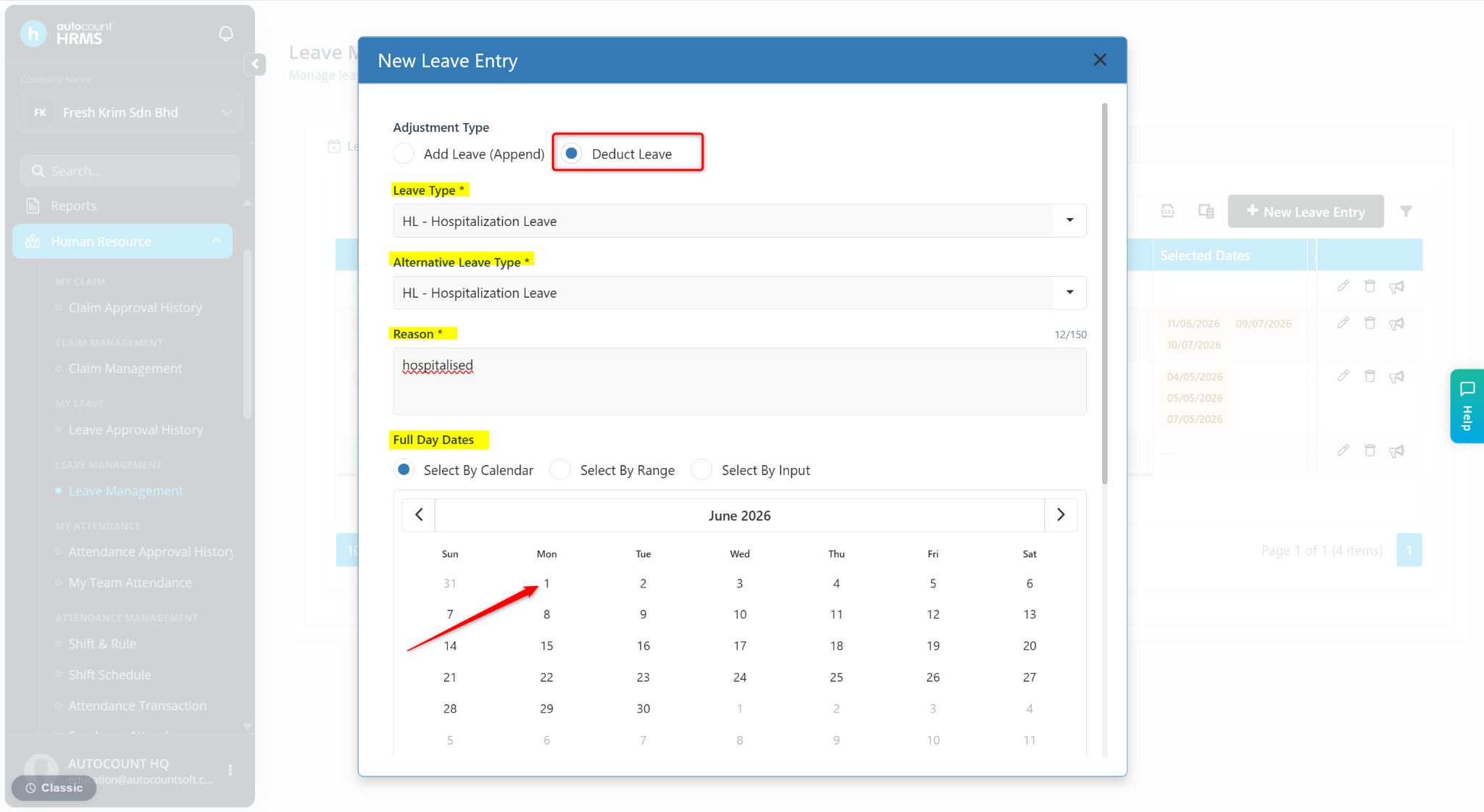
Select Deduct Leave and enter the required details.
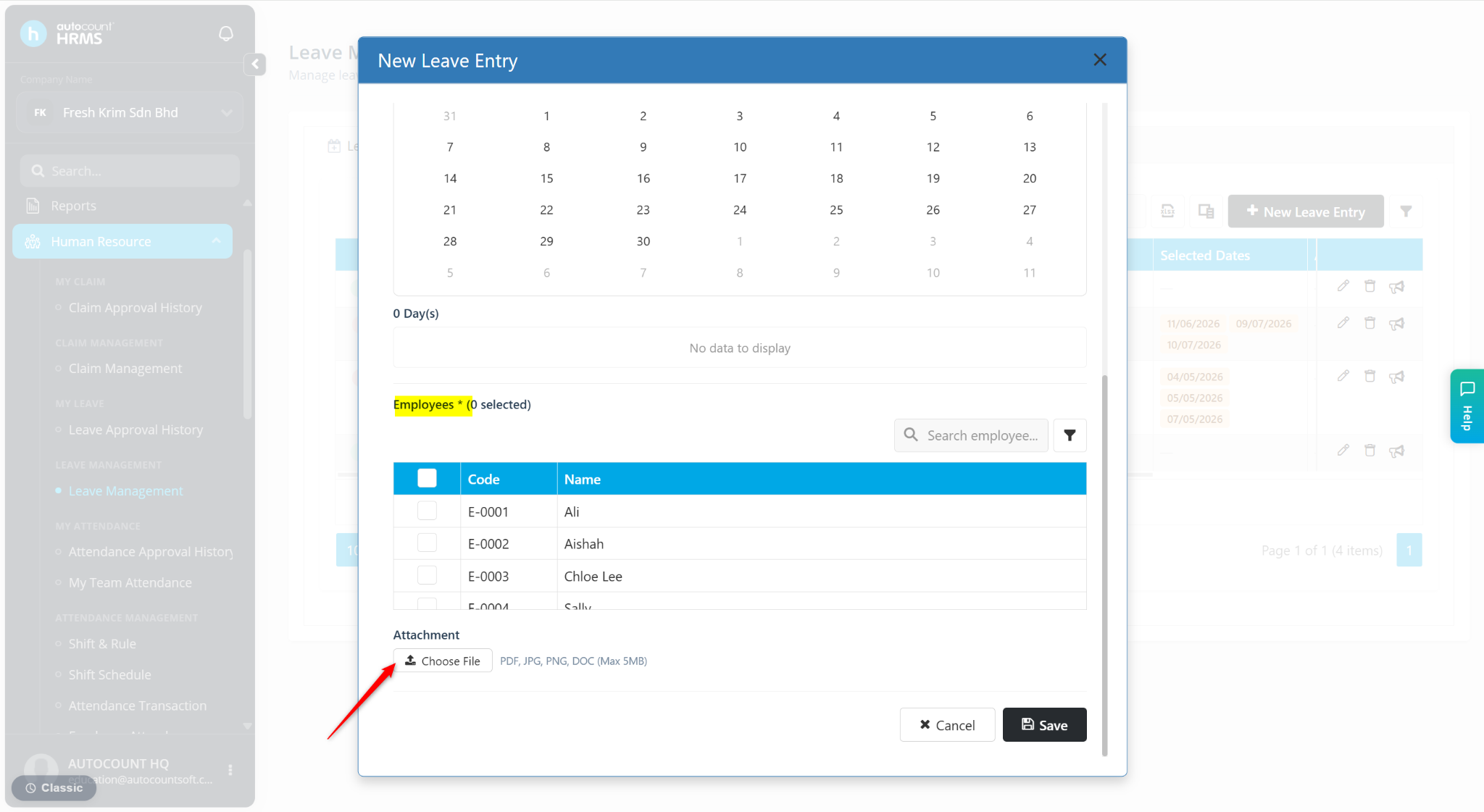
Click Choose File.
Select the file and click Open.
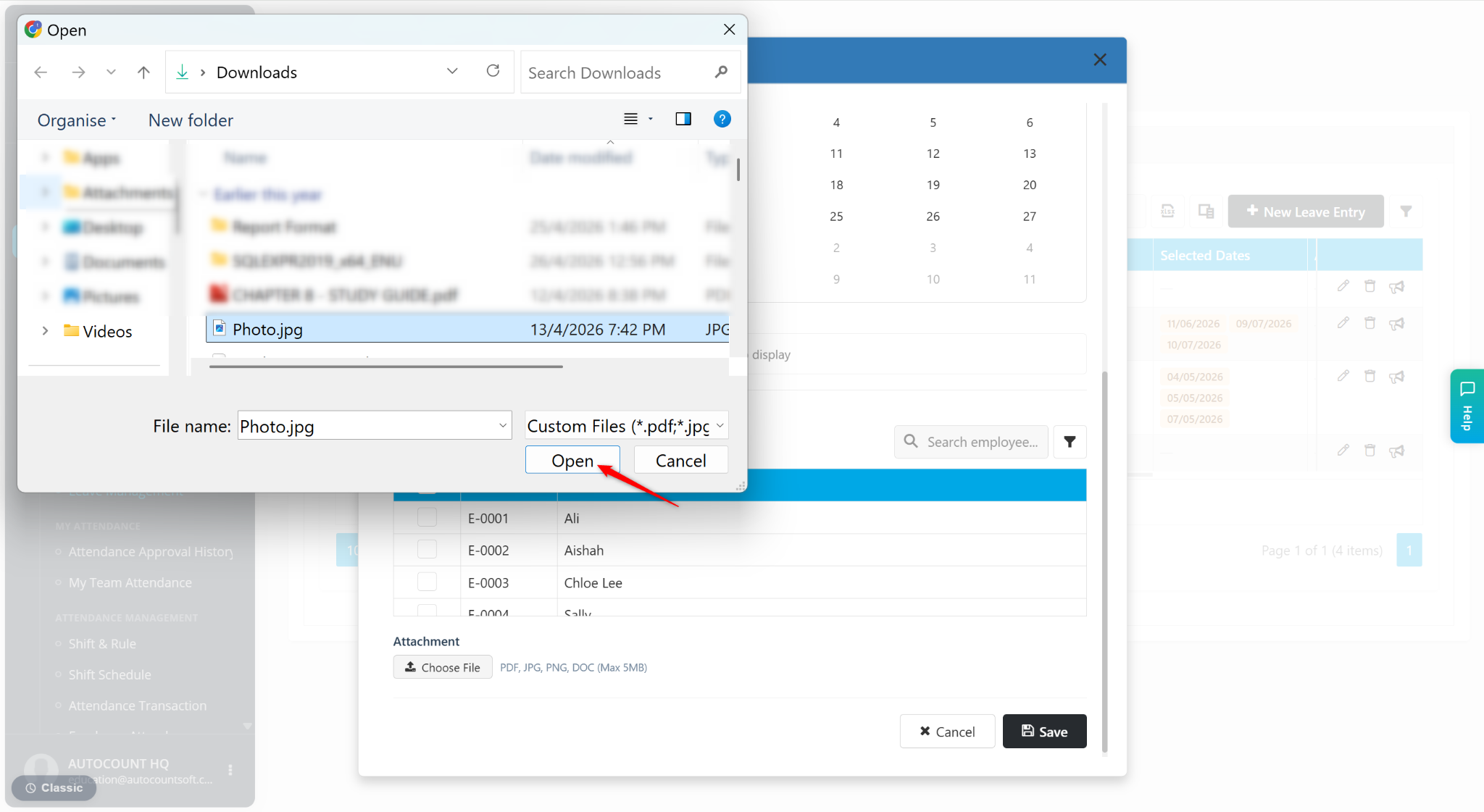
The file will be uploaded.
Click Save.