
Users may cancel a pending company transfer request before it is accepted by the recipient. This allows the current owner to retain ownership of the company if the transfer was initiated by mistake or is no longer required.
Steps to Cancel a Company Transfer:
Go to the Subscription page.
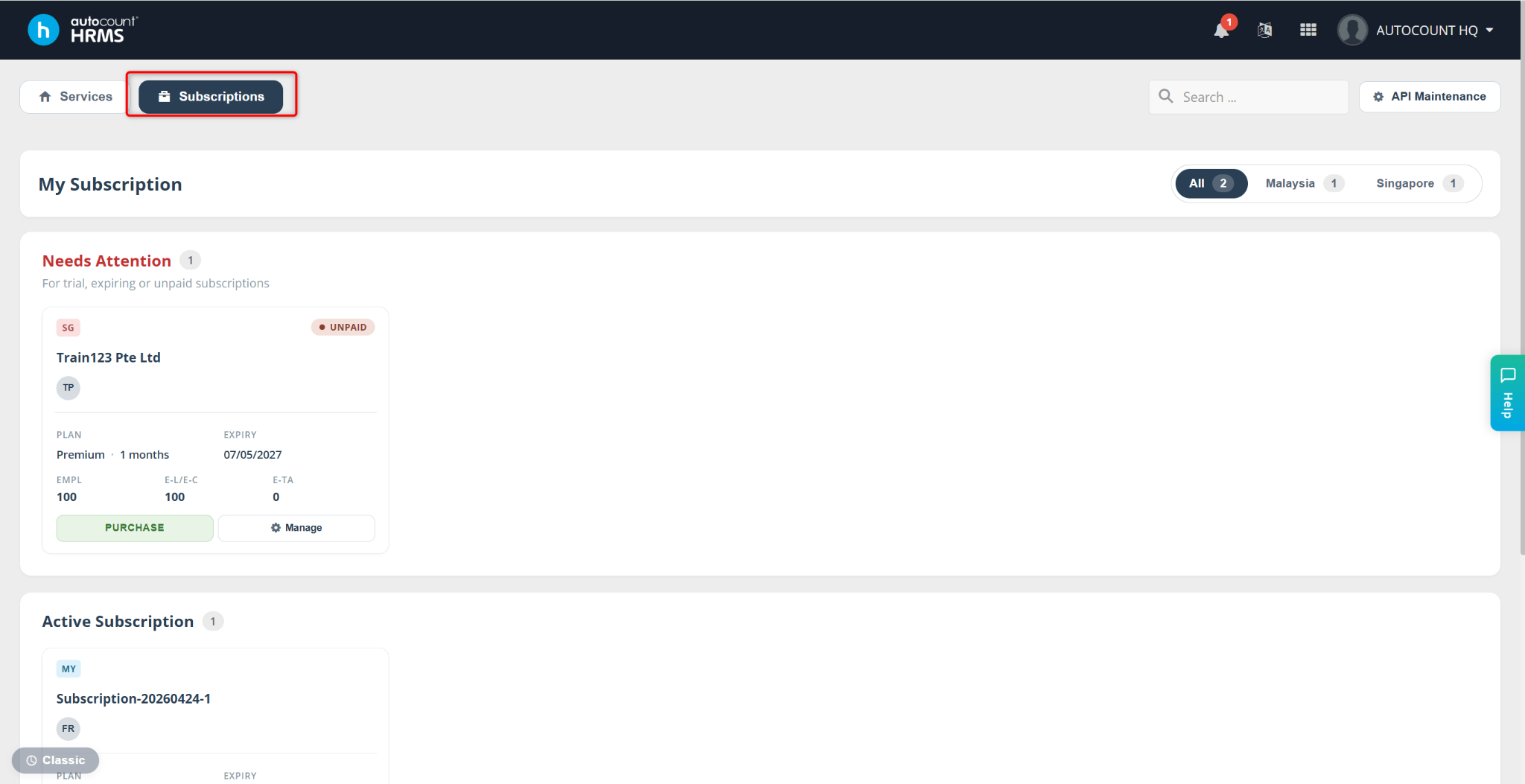
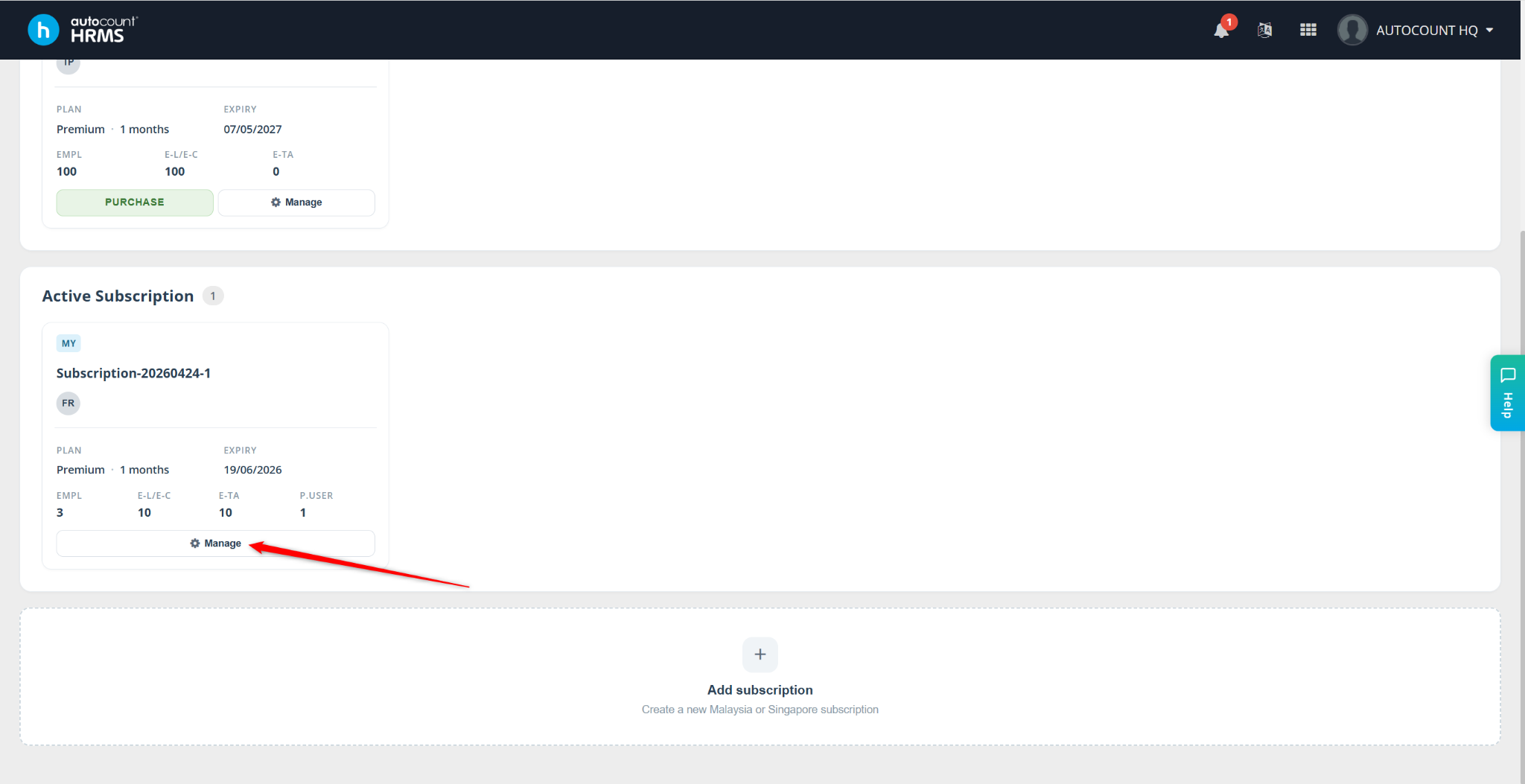
Locate the subscription containing the company and click Manage.
Locate the company. Click the Menu icon and select Pending Transfer.
Click Cancel Transfer.
The pending transfer request will be removed, and the company will remain under the current subscription.
Written by: Azirah (20251023)