Users can make payments for subscription purchases, renewals, and plan adjustments through the Subscription Portal.
Steps to Make Payment for Subscription:
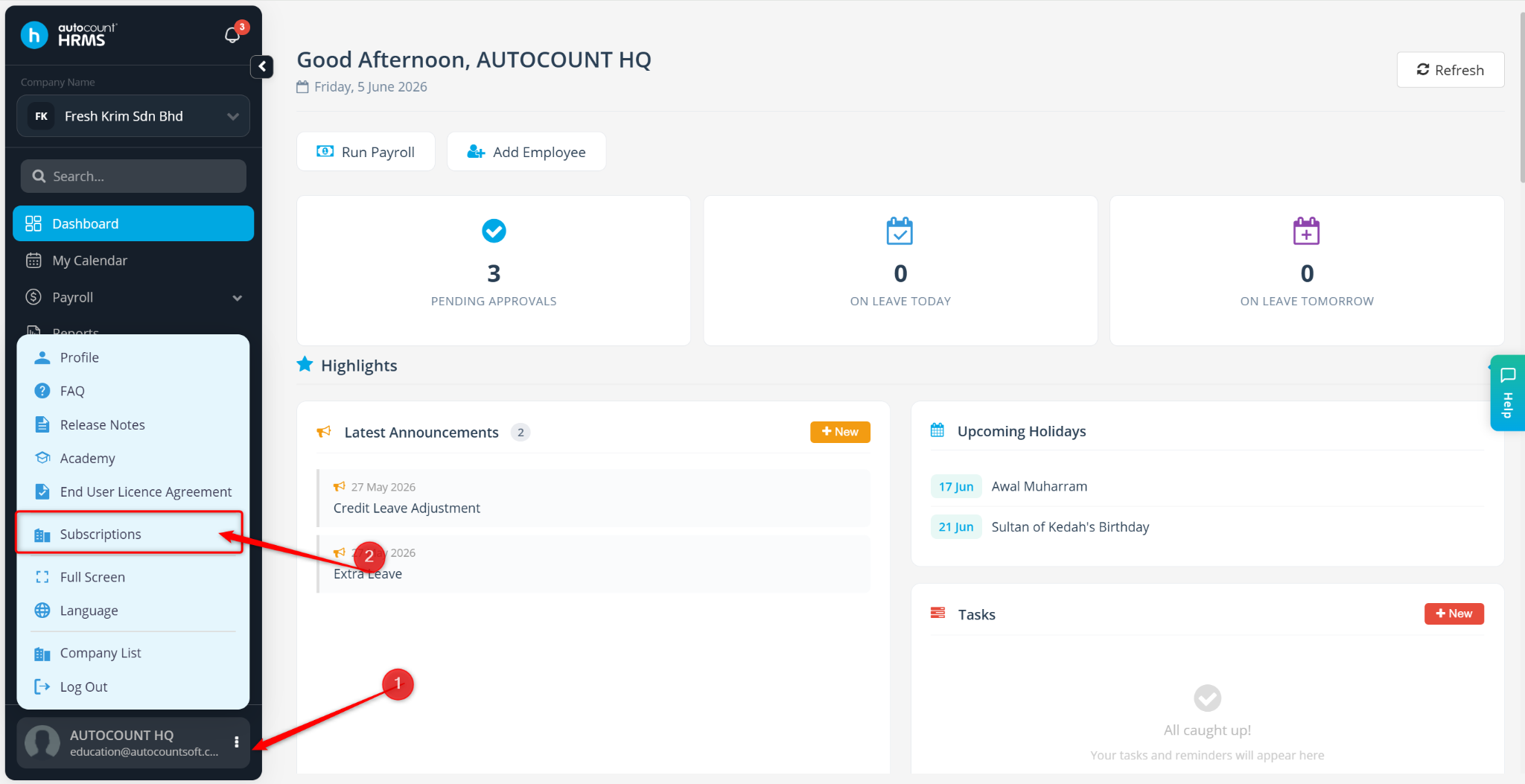
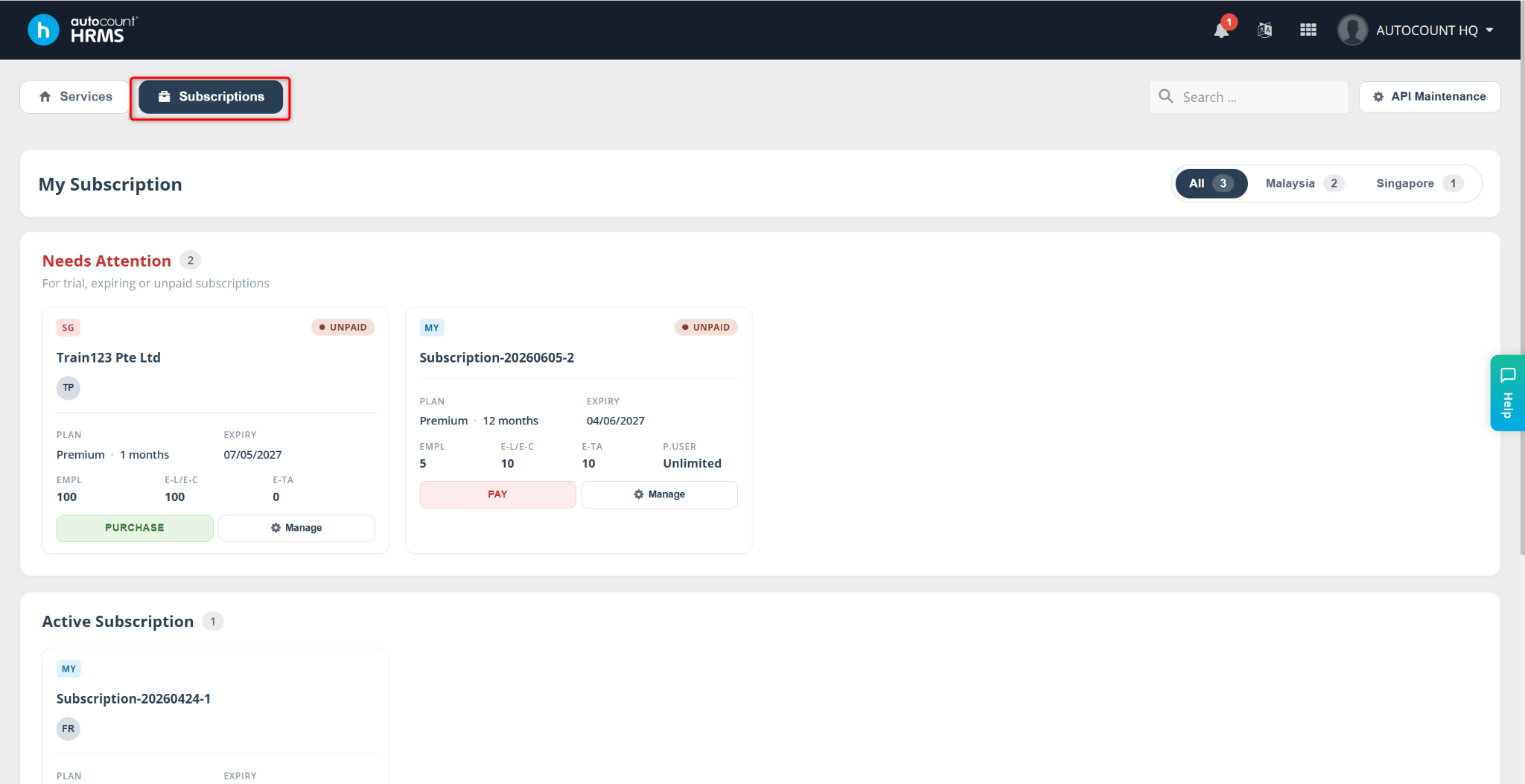
Go to Subscriptions.
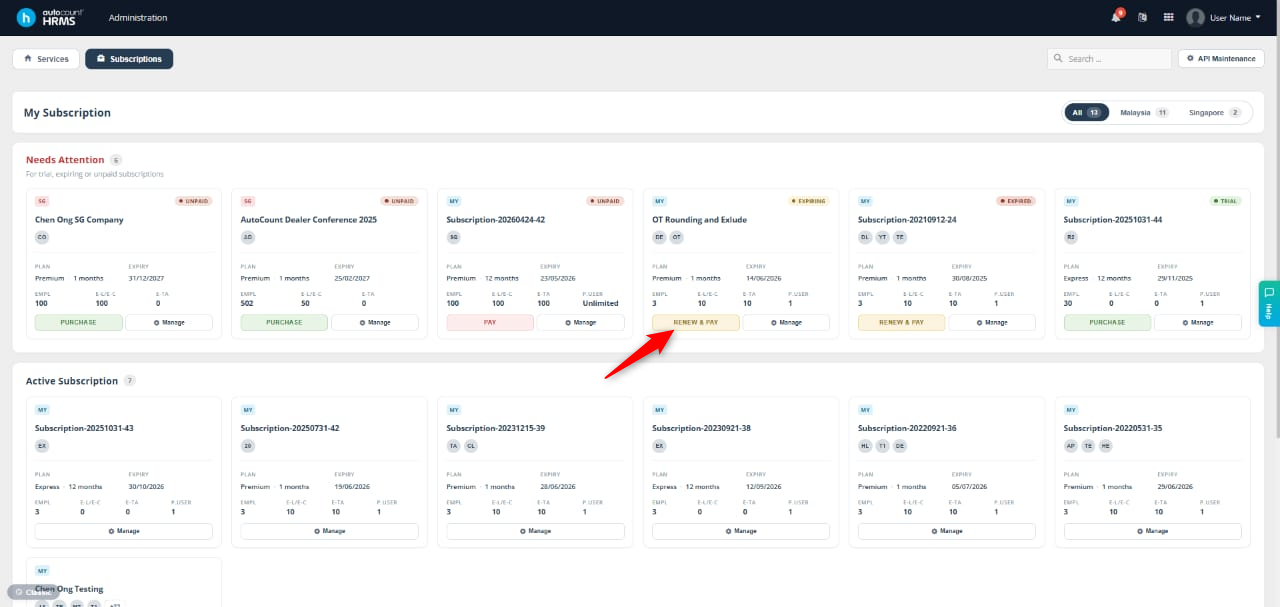
Locate the subscription you wish to renew and click Renew & Pay.
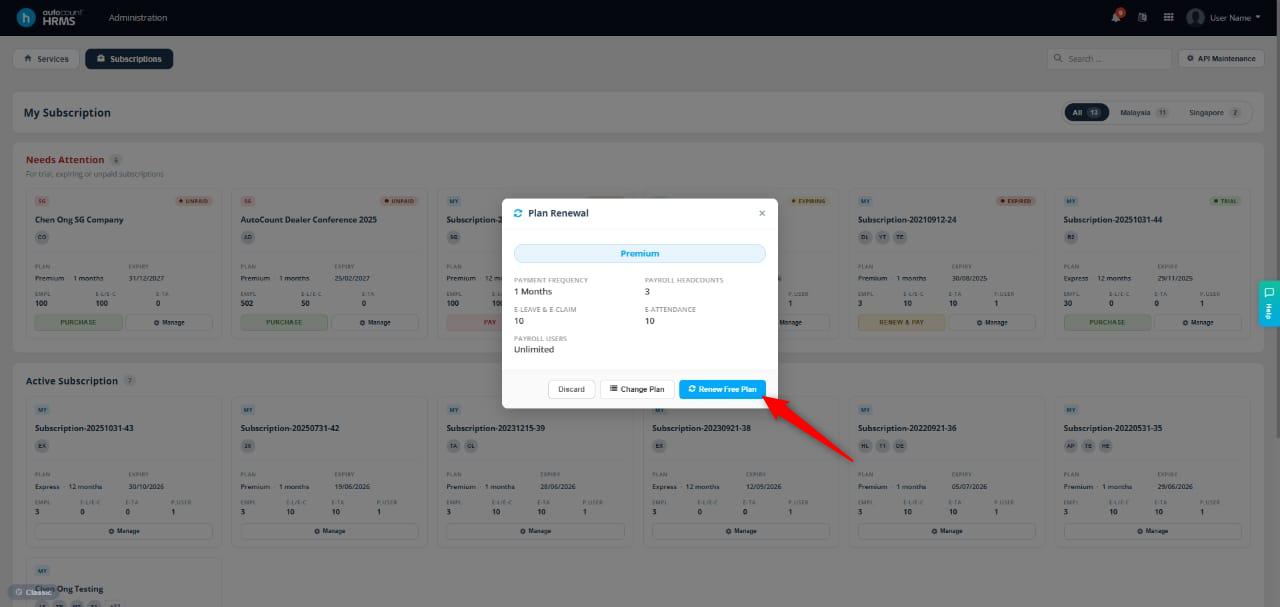
The Plan Renewal tab will appear.
Select one of the following options:
Renew Free Plan – Only available if your previous subscription was a free plan.
Change Plan – Edit the number of headcounts before proceeding with payment.