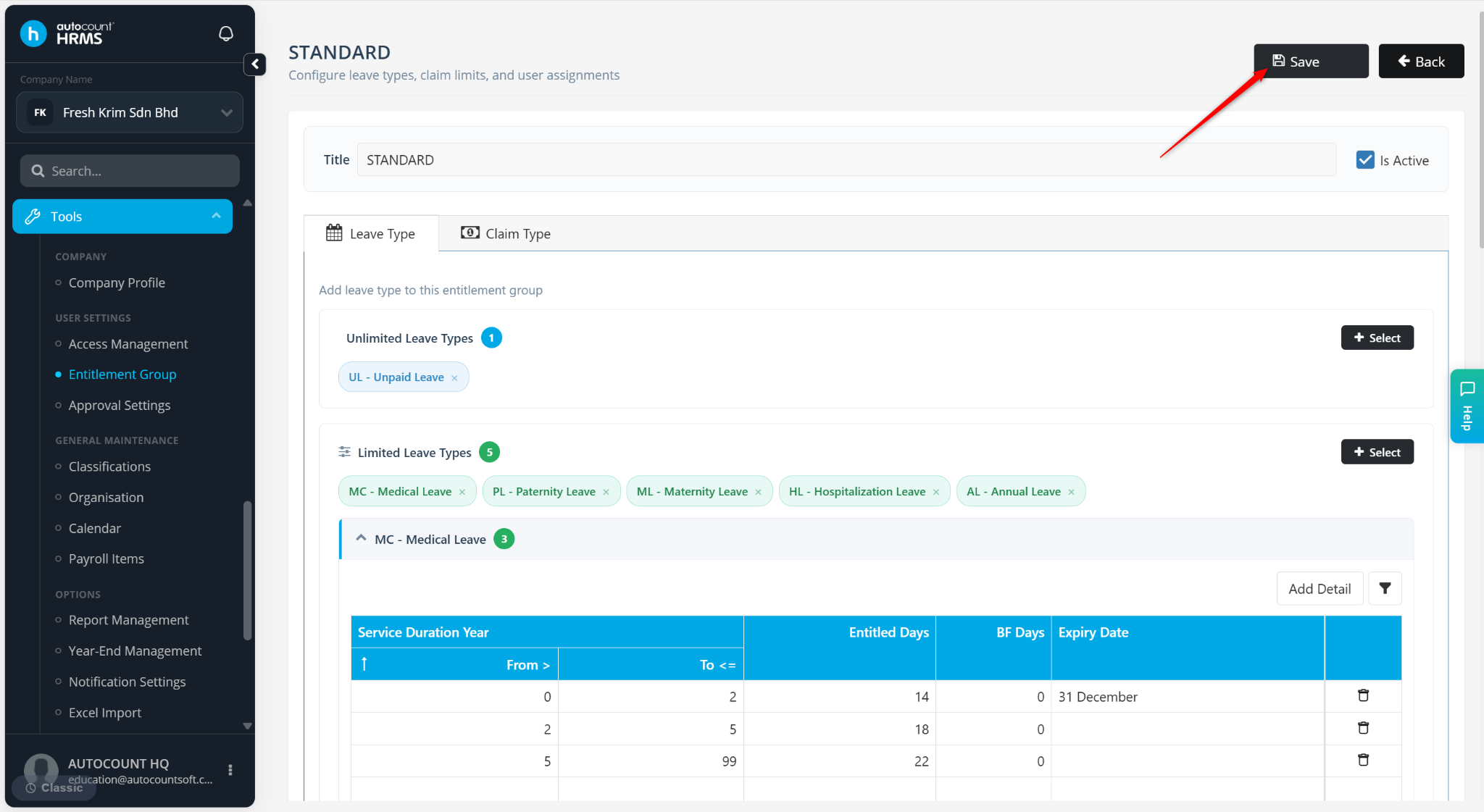
Employers may define an expiry date for carried forward leave to ensure unused leave balances are utilised within a specified period according to company policy. Once the expiry date is reached, any unused carried forward leave will no longer be available for use.
Stape to Maintain Expiry Date on a Carry Forward Leave:
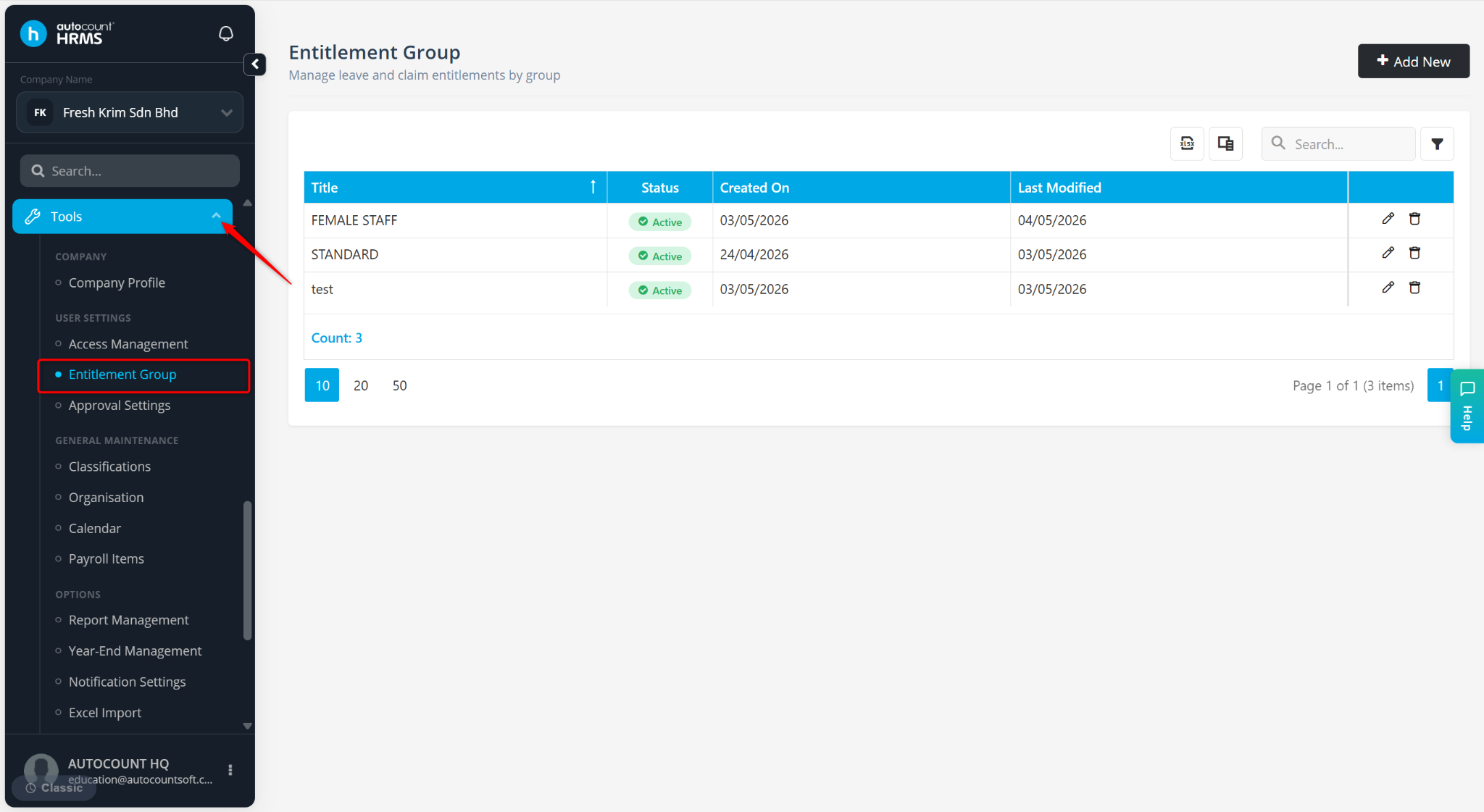
Go to Tools > Entitlement Group.
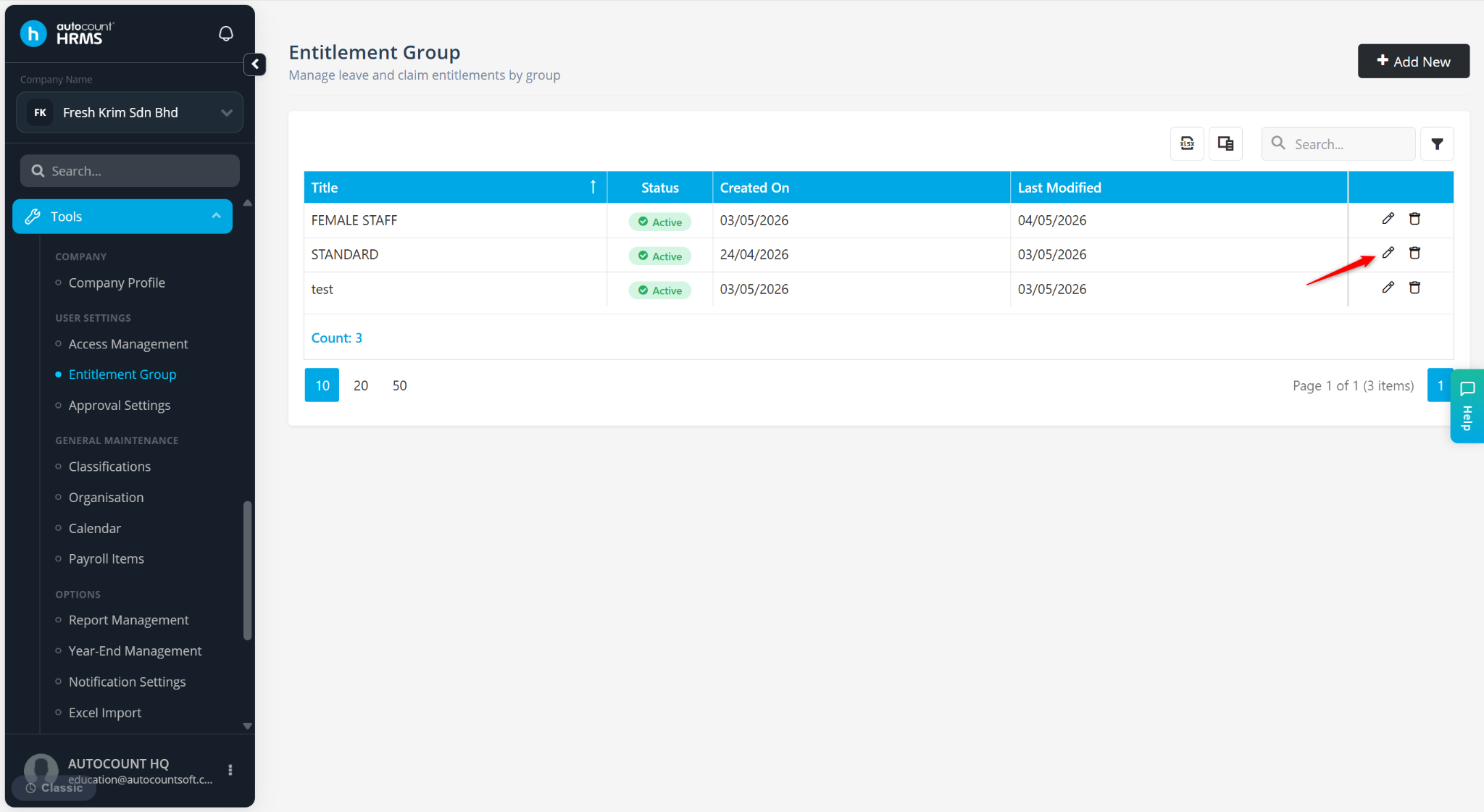
Locate an Entitlement Group and click the pencil icon.
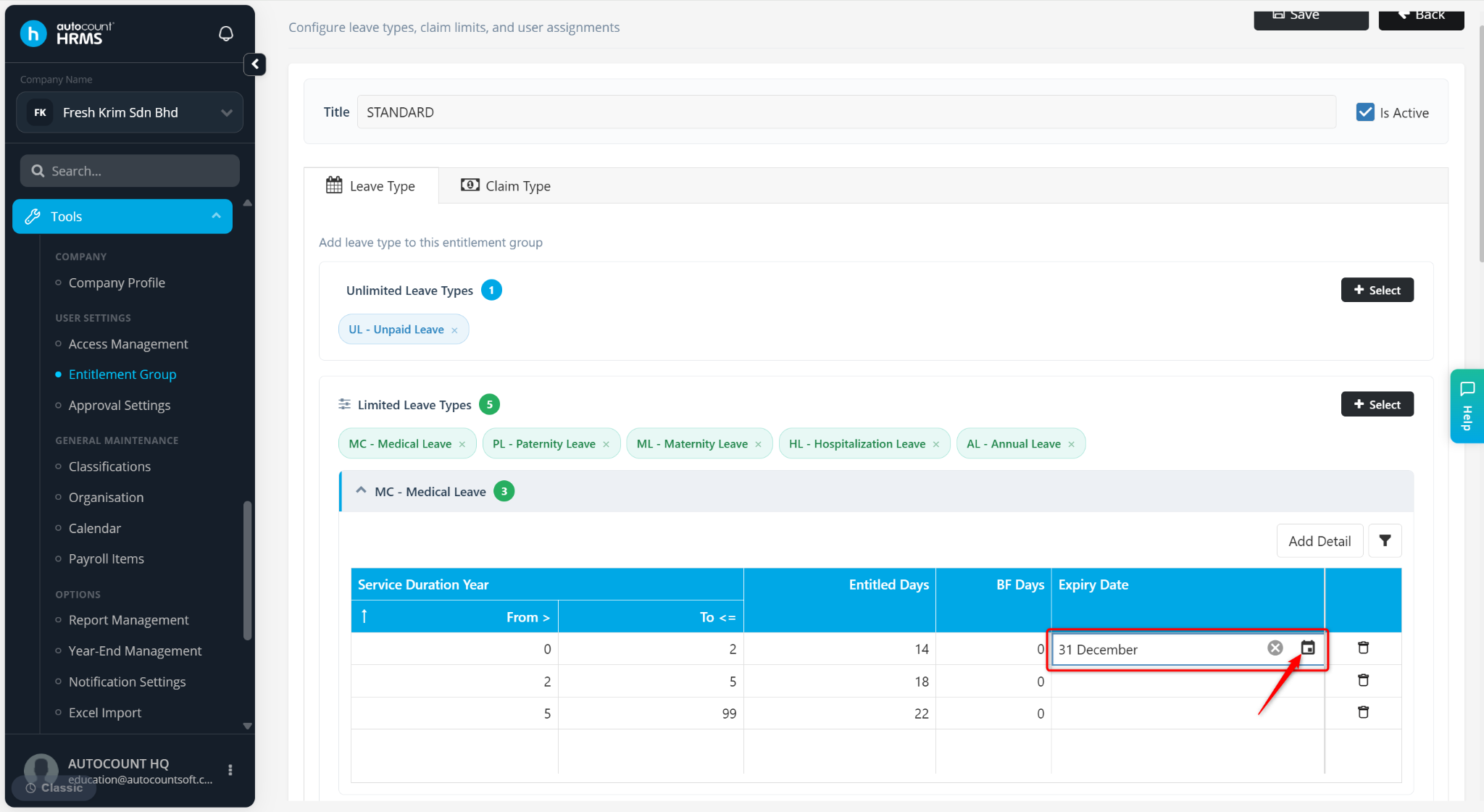
Under the relevant Leave Type, locate the Expiry Date column.
Click the calendar icon and select the expiry date for the carried forward leave.
Click Save.