
The attendance clocking cannot be amended because the Time Attendance (TA) data for that period/month has already been imported. Once TA data is imported, the records in Human Resource > Attendance Transaction will be locked and cannot be edited.
Steps to Unlock and Allow Editing of Attendance Clock:
Go to Payroll > Attendance Import.
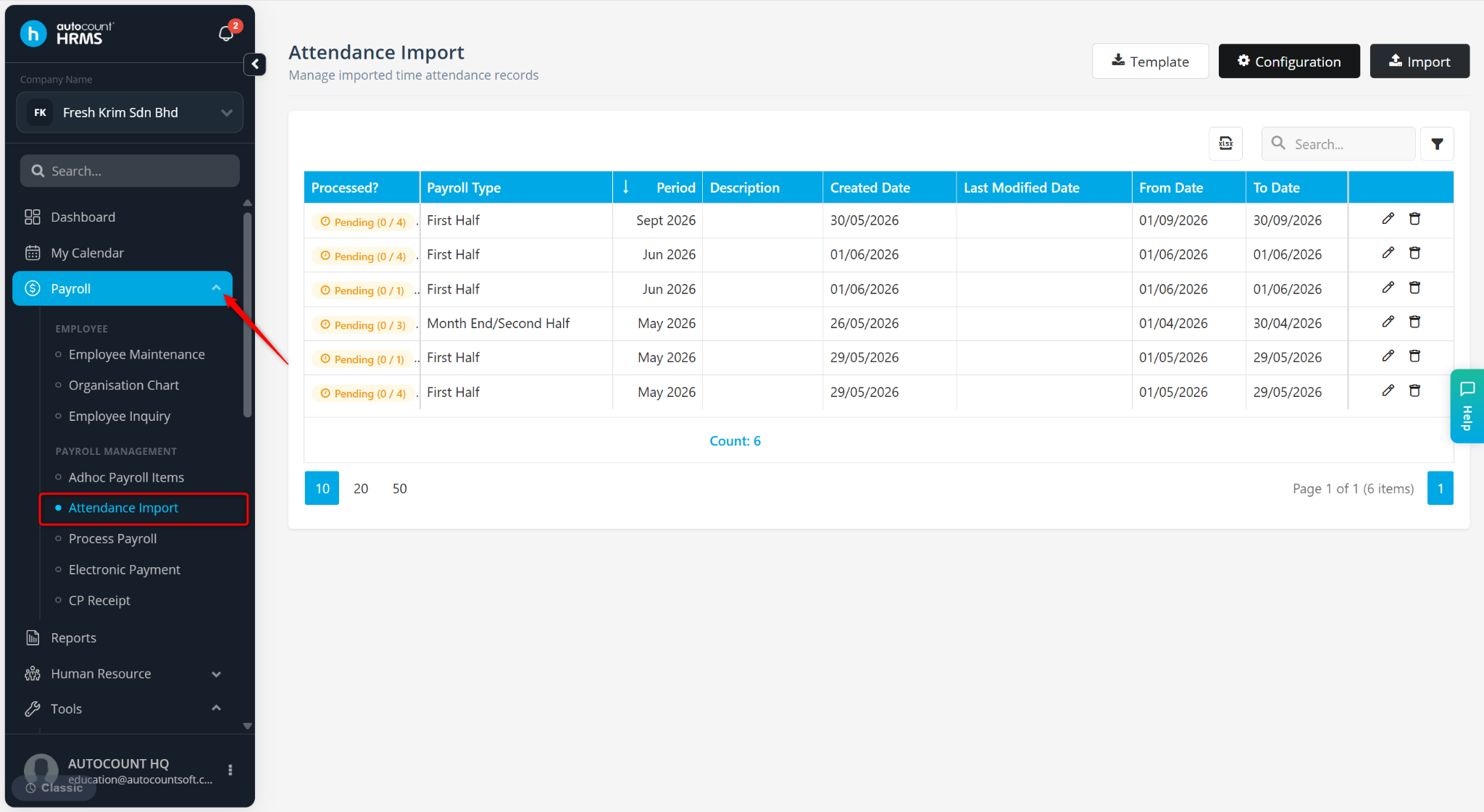
Select the imported TA record for the relevant month/period.
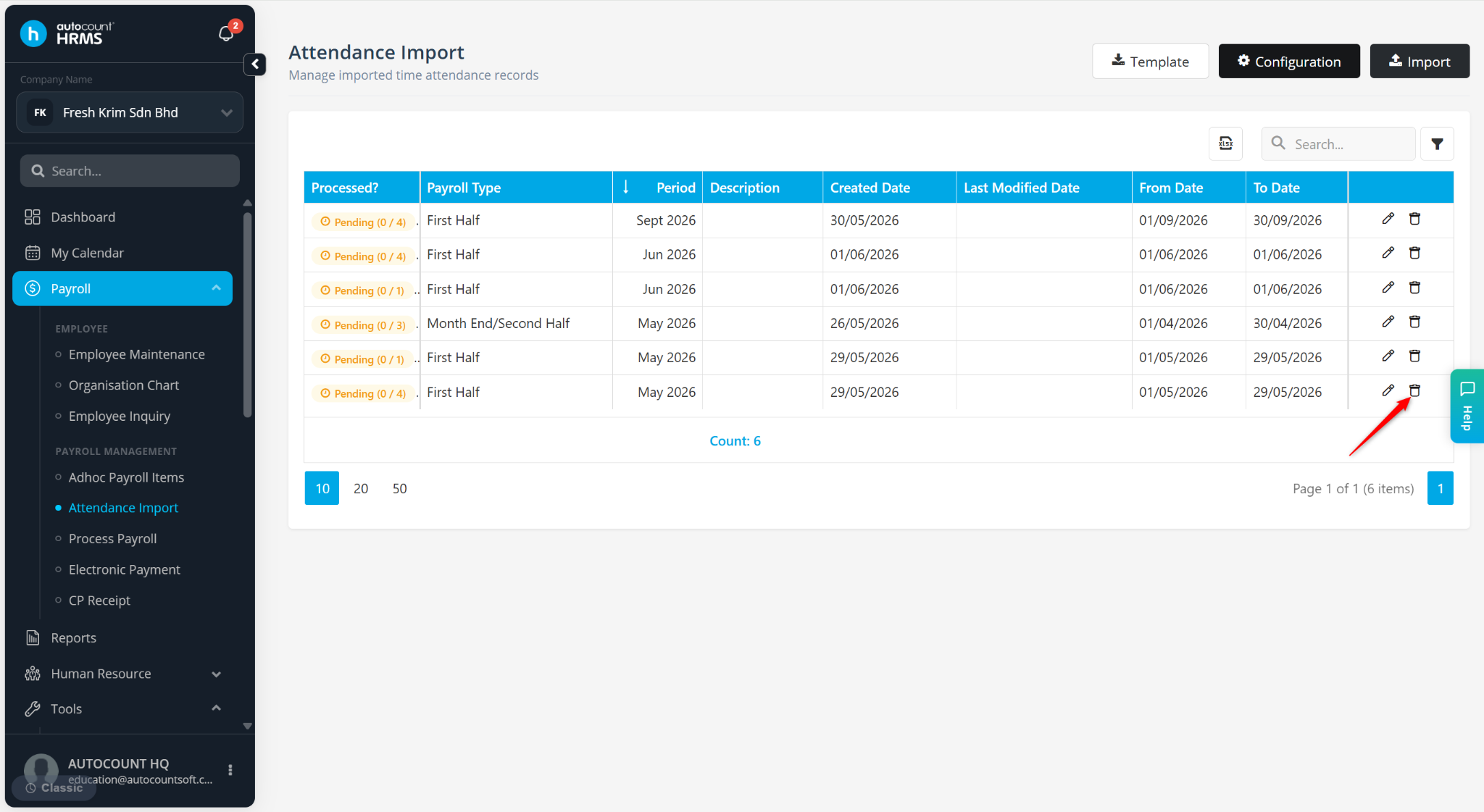
Click the trash bin icon to delete the imported TA record.
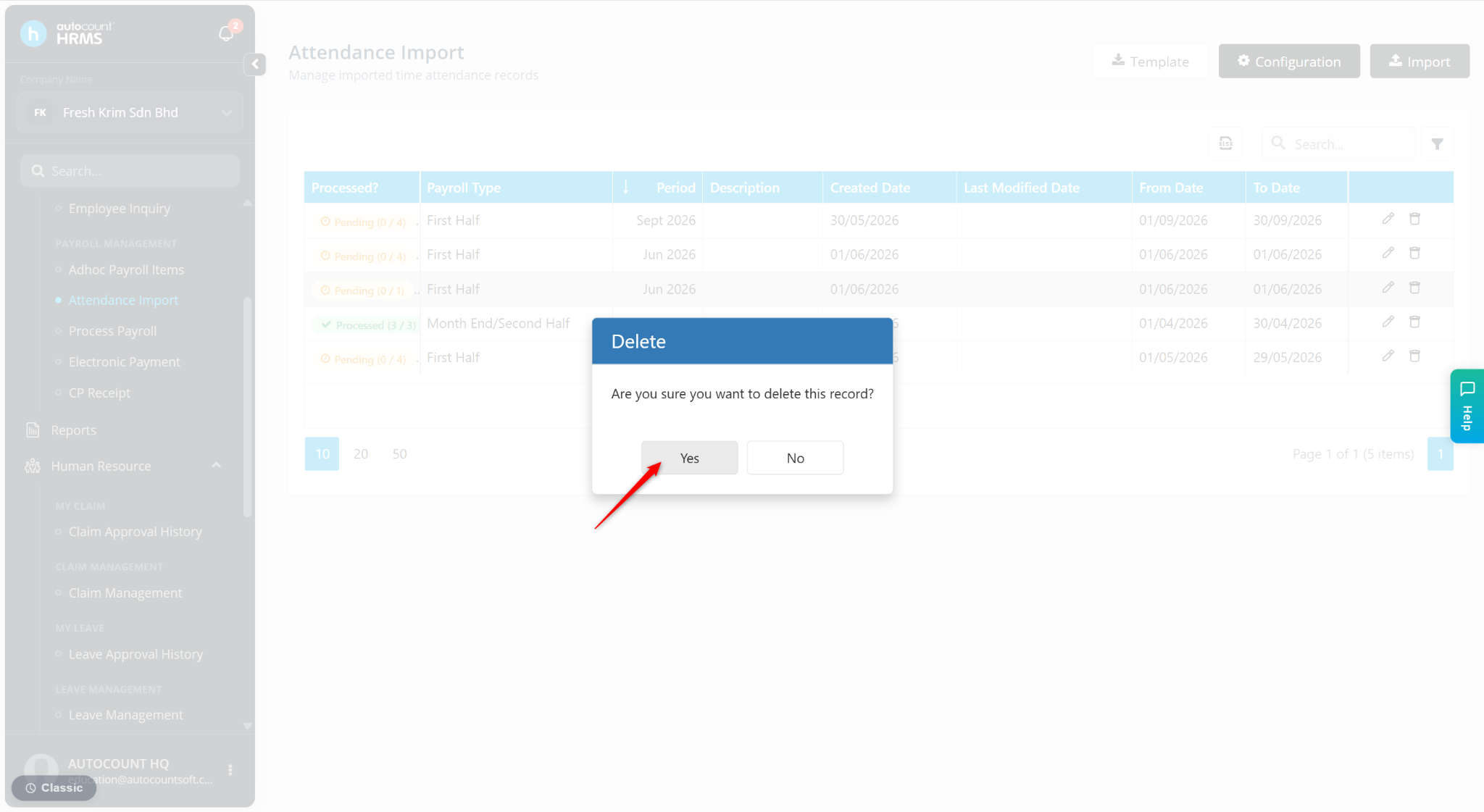
Click Yes to confirm deletion.
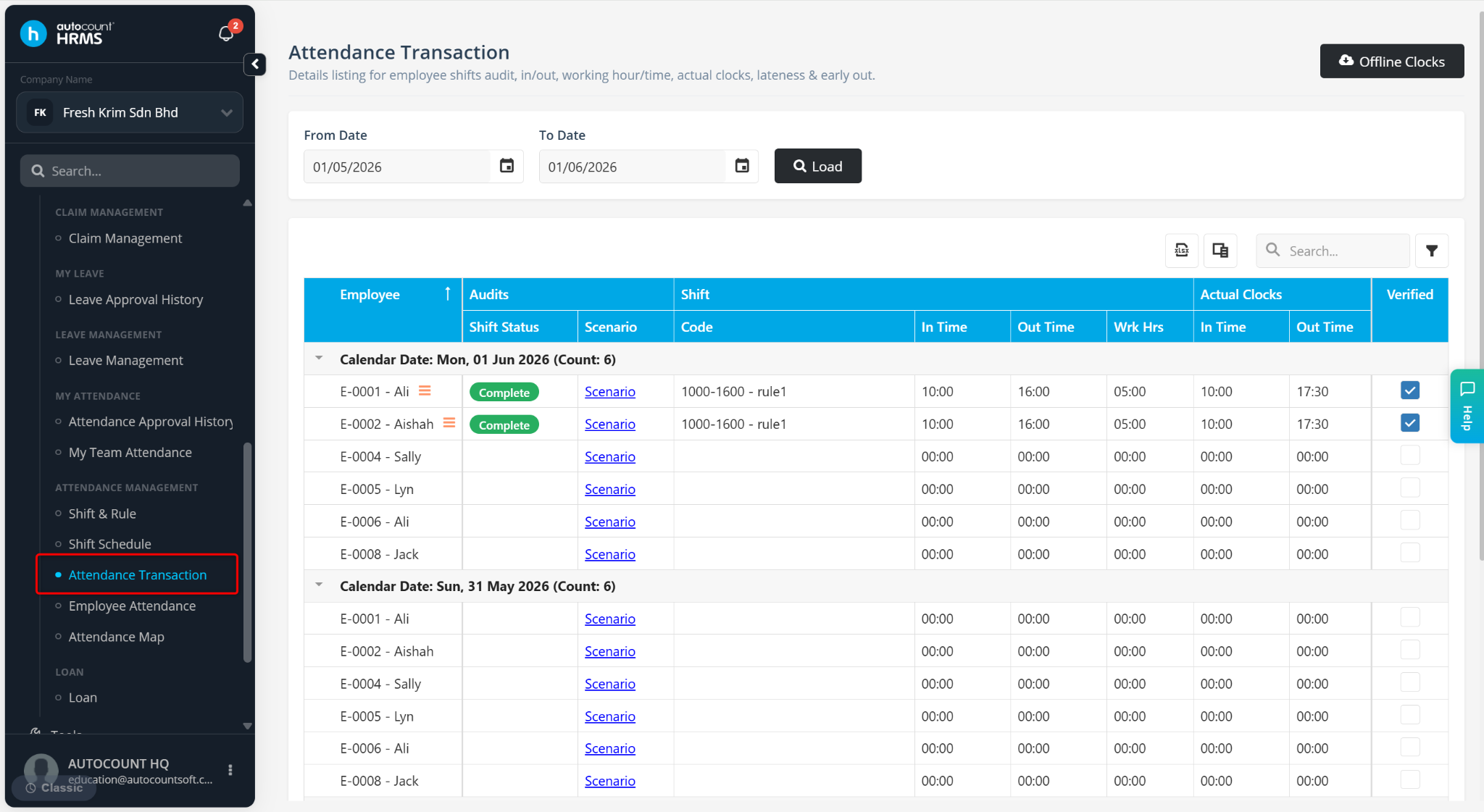
After deletion, go to Attendance Transaction to amend the clock in/out records.
ℹ️ Note: If you only need to adjust past attendance records without removing imports, refer to Amend Clock Transaction.
Written by: Han Yang (20251015)
Reviewed by: Azirah (20251117)